Increase determinations with intelligent document upload.
Faster eligibility decisions for the hardest cases to verify.
Built-in fallback to cover more clients
Five reasons agencies choose Checkr for document upload.
Increase first-contact resolution.
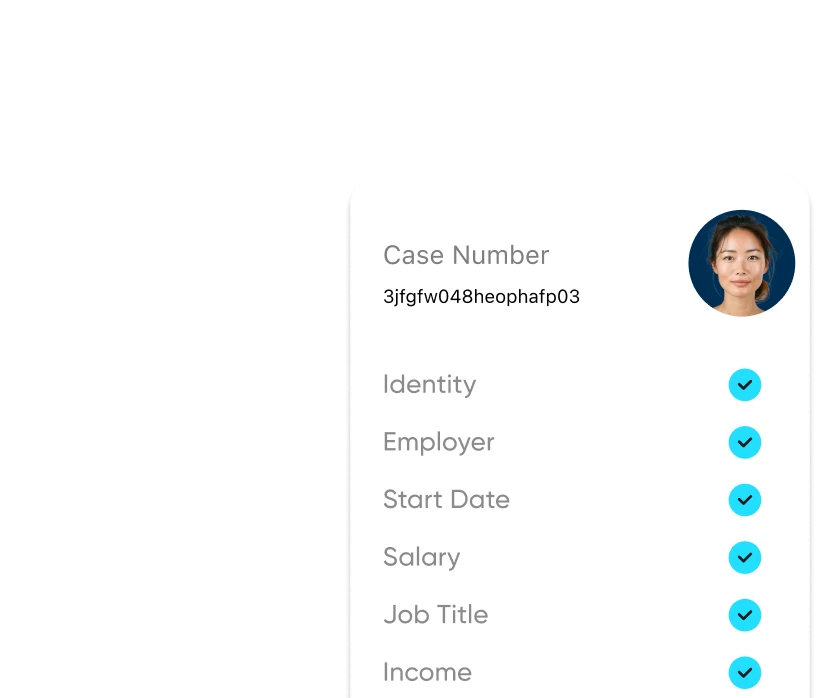
Capture complete income data on first submission.
Learn more
Protect program integrity.
Auto-detection of tampered docs gives caseworkers real-time signals.
Learn more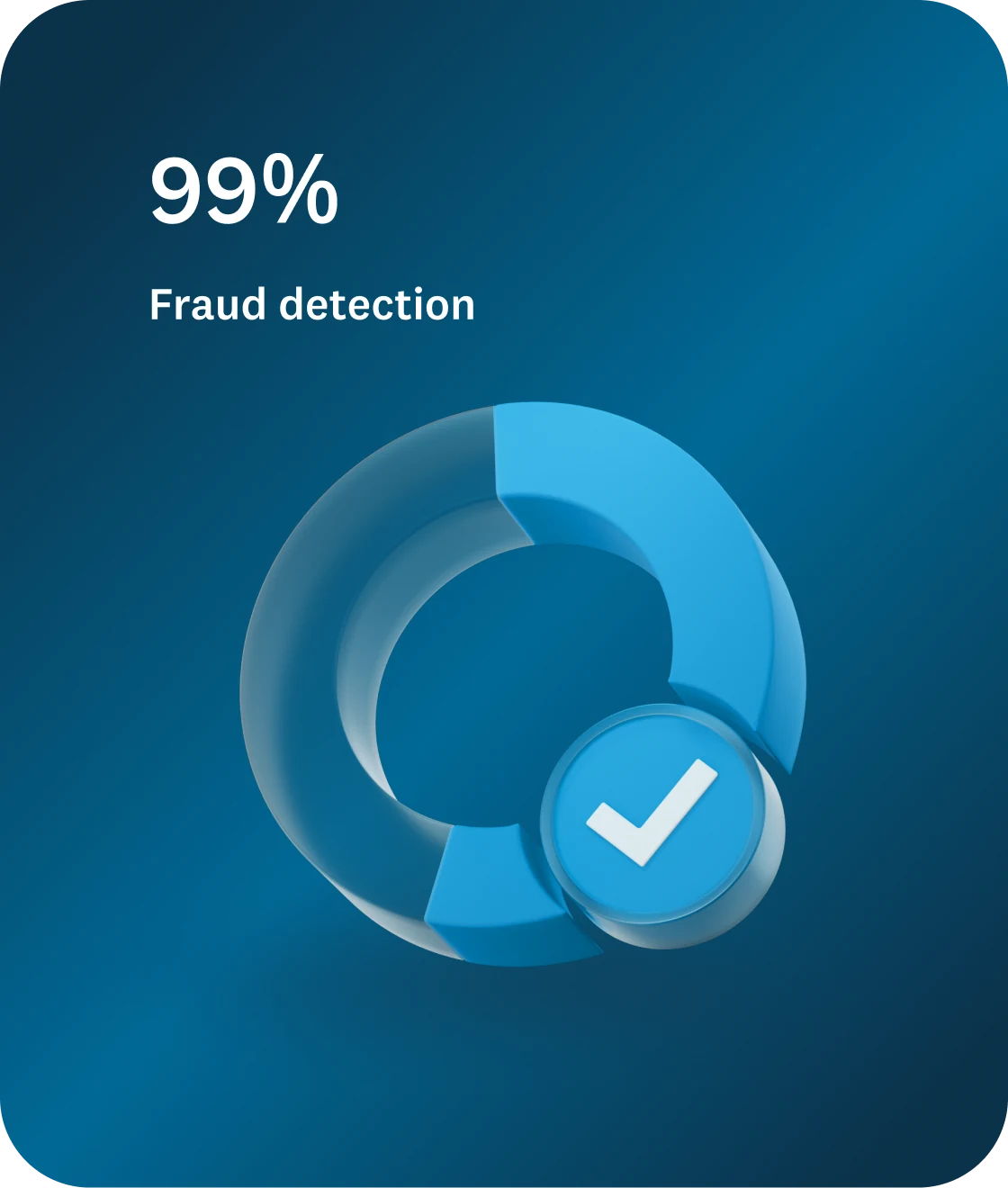
Rely on auto-restored documents.
Using a vast database, Checkr restores altered fields, improving agency’s income accuracy rates.
Learn more
Customize document requirements.
Specify type and number of required docs to reduce back and forth.
Learn more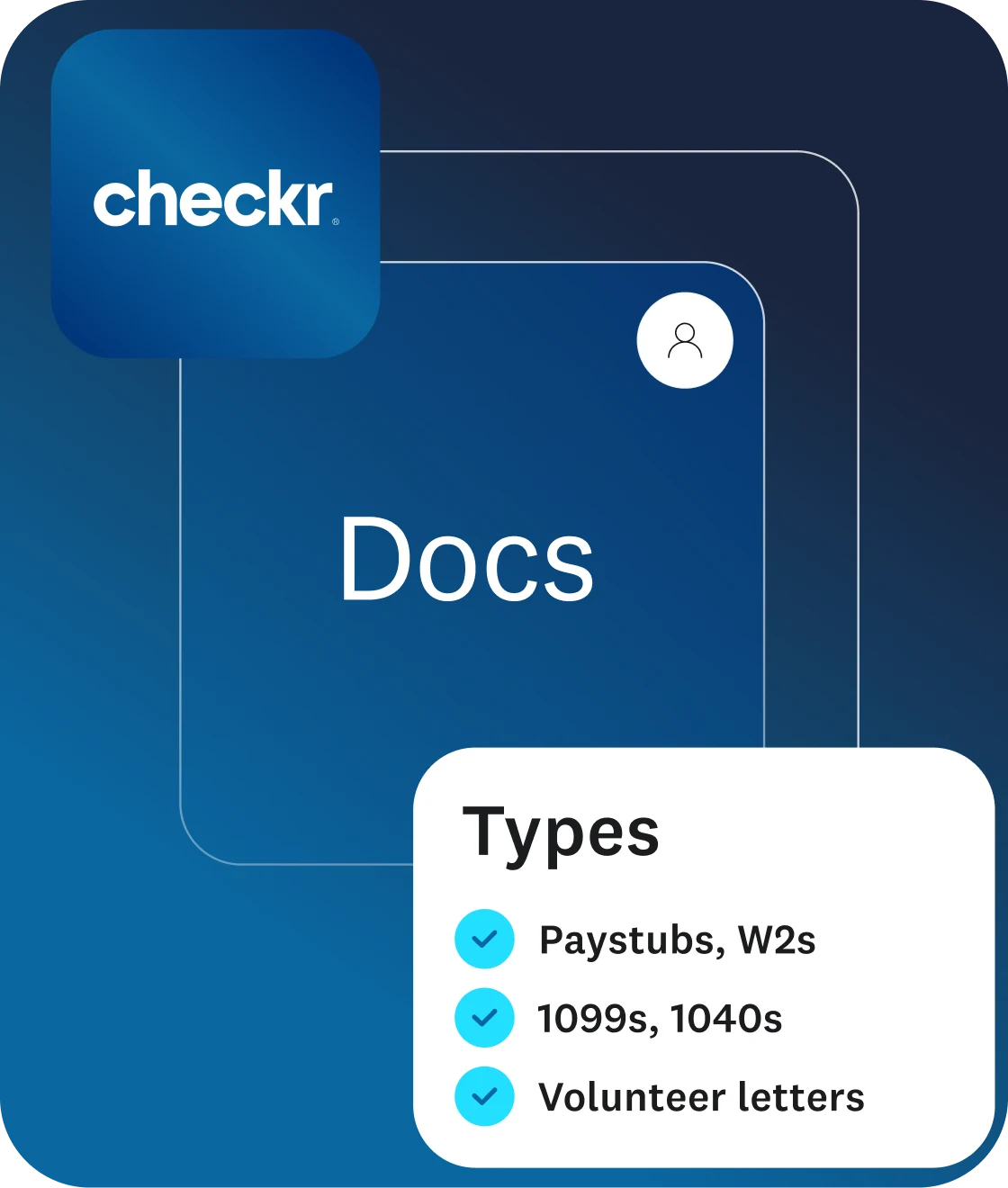
Boost conversion with no extra lift.
More clients verified. Fewer cases dropped. Faster determinations.
Learn more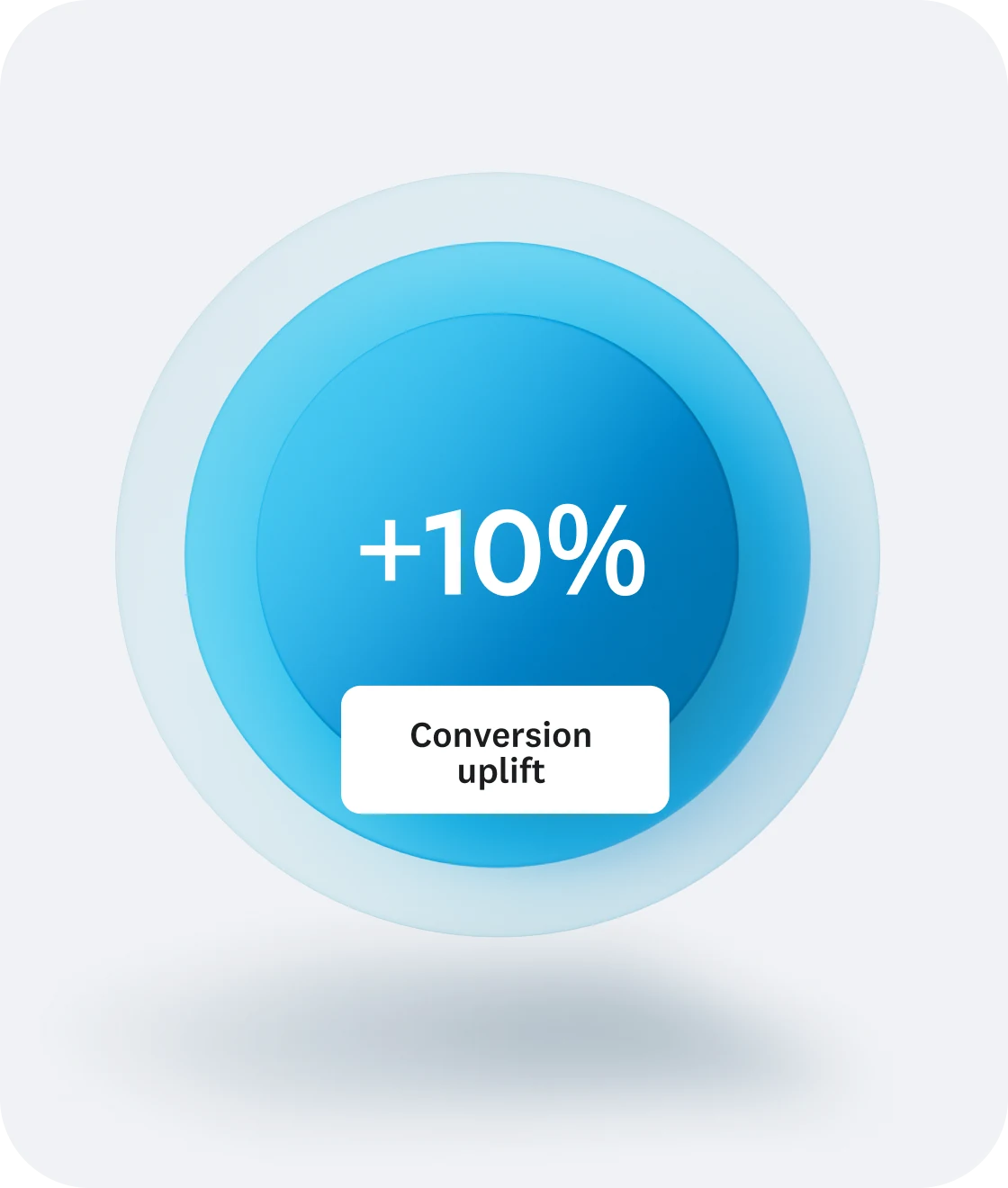
How it works
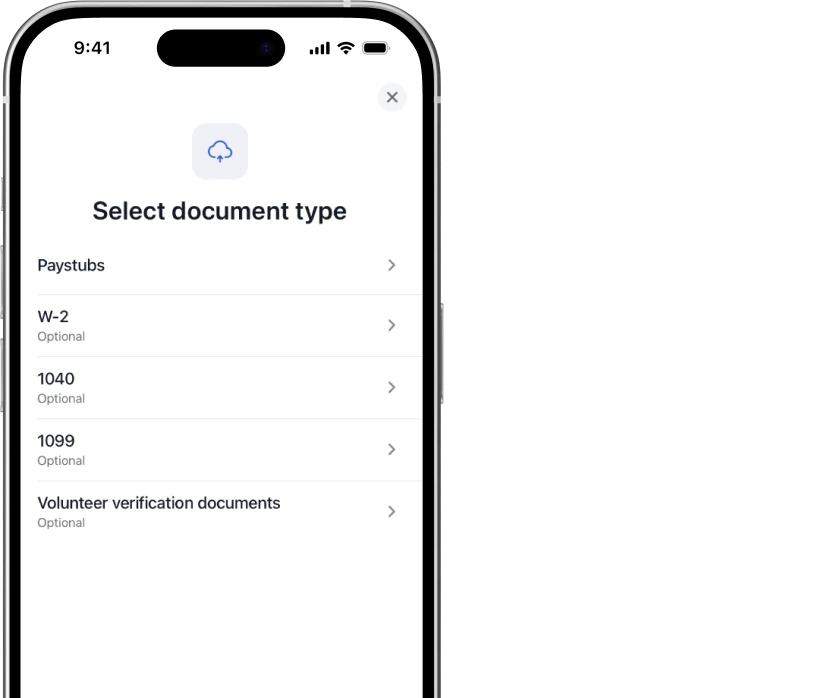
Clients upload their documents in a few guided screens.
-
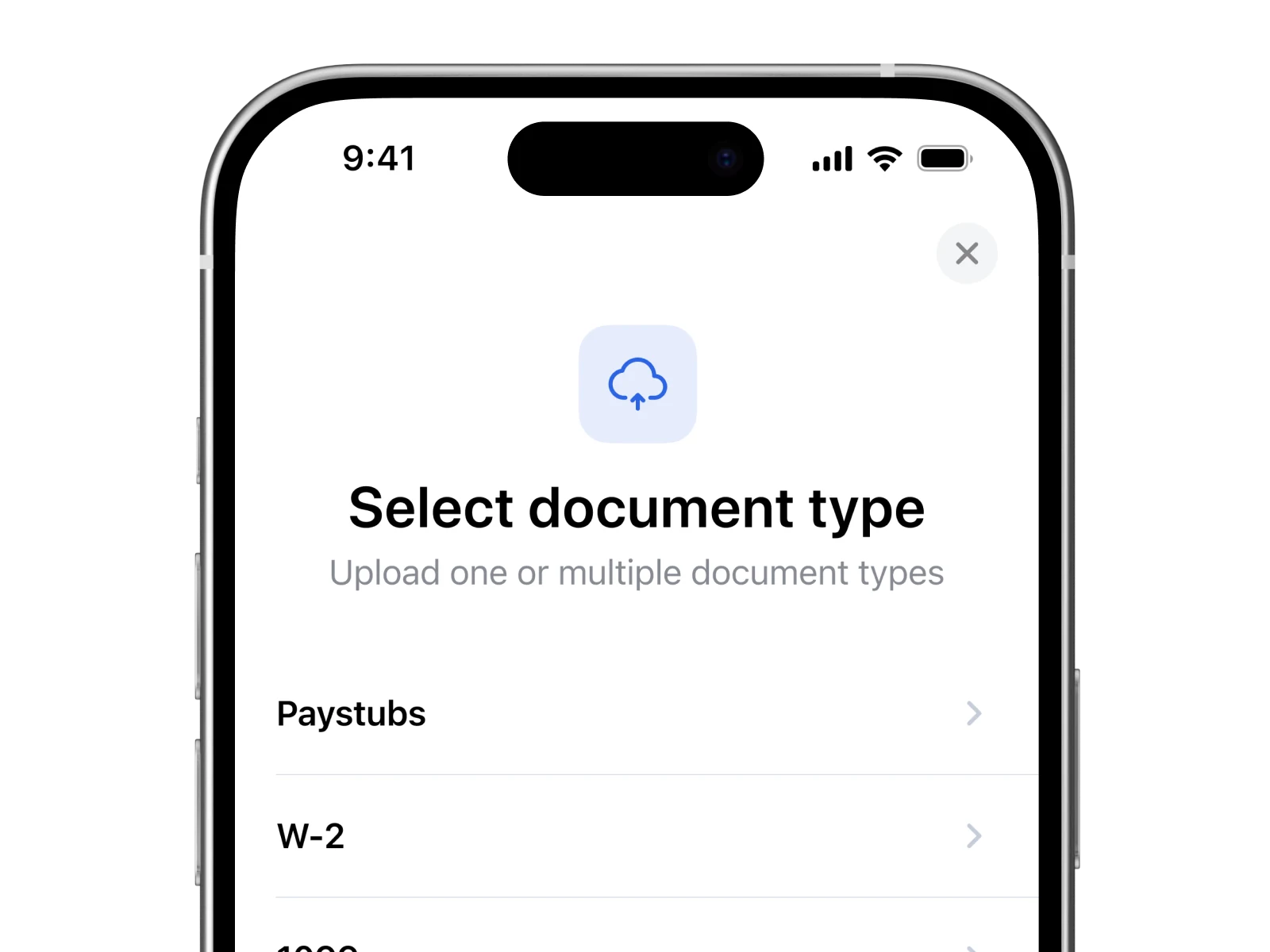
Upload documents
Clients choose a document type and upload paystubs, W-2s and other documents.
-
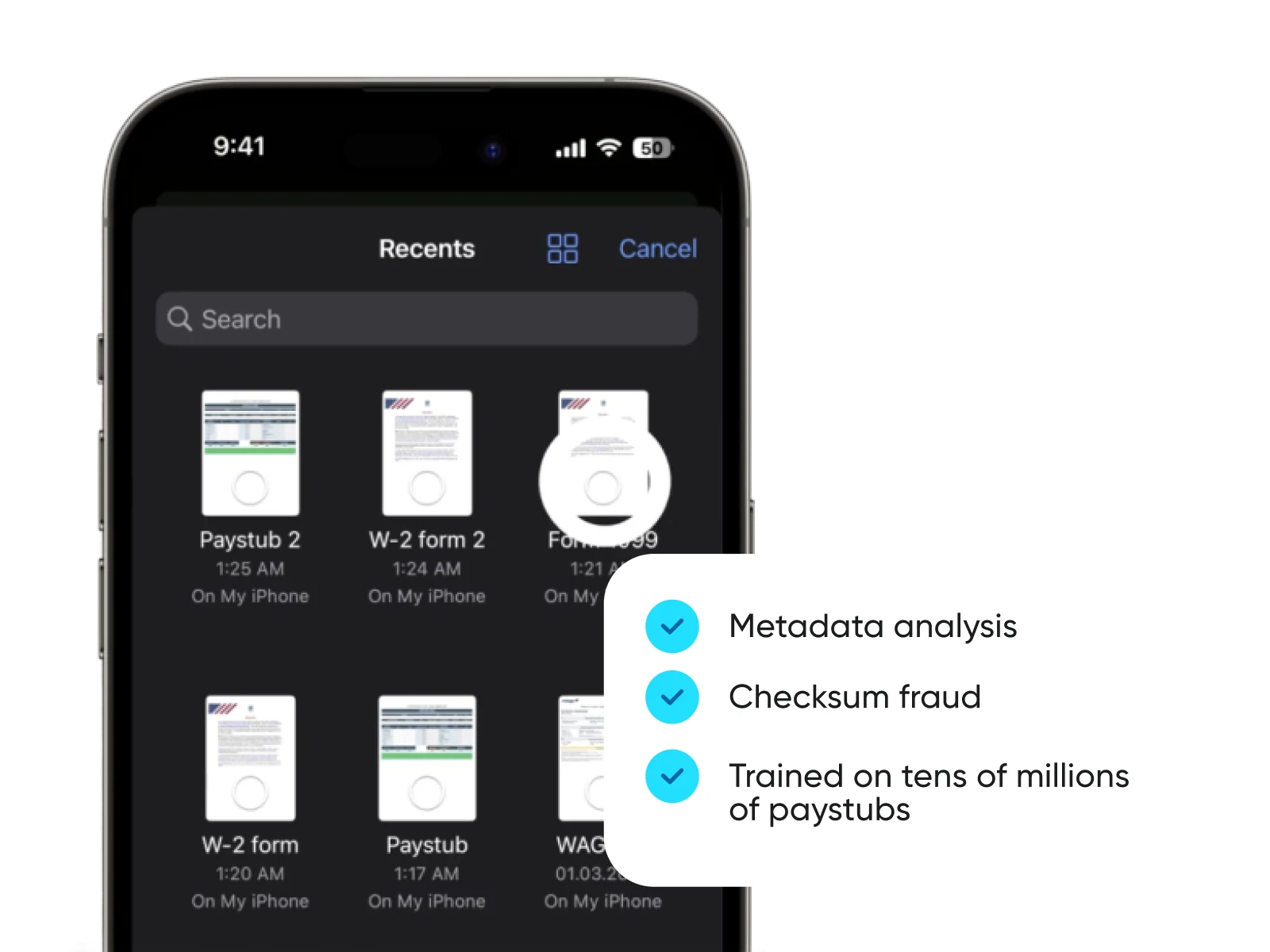
Detect fraud
Each document is checked automatically, and altered or fabricated ones are flagged.
-
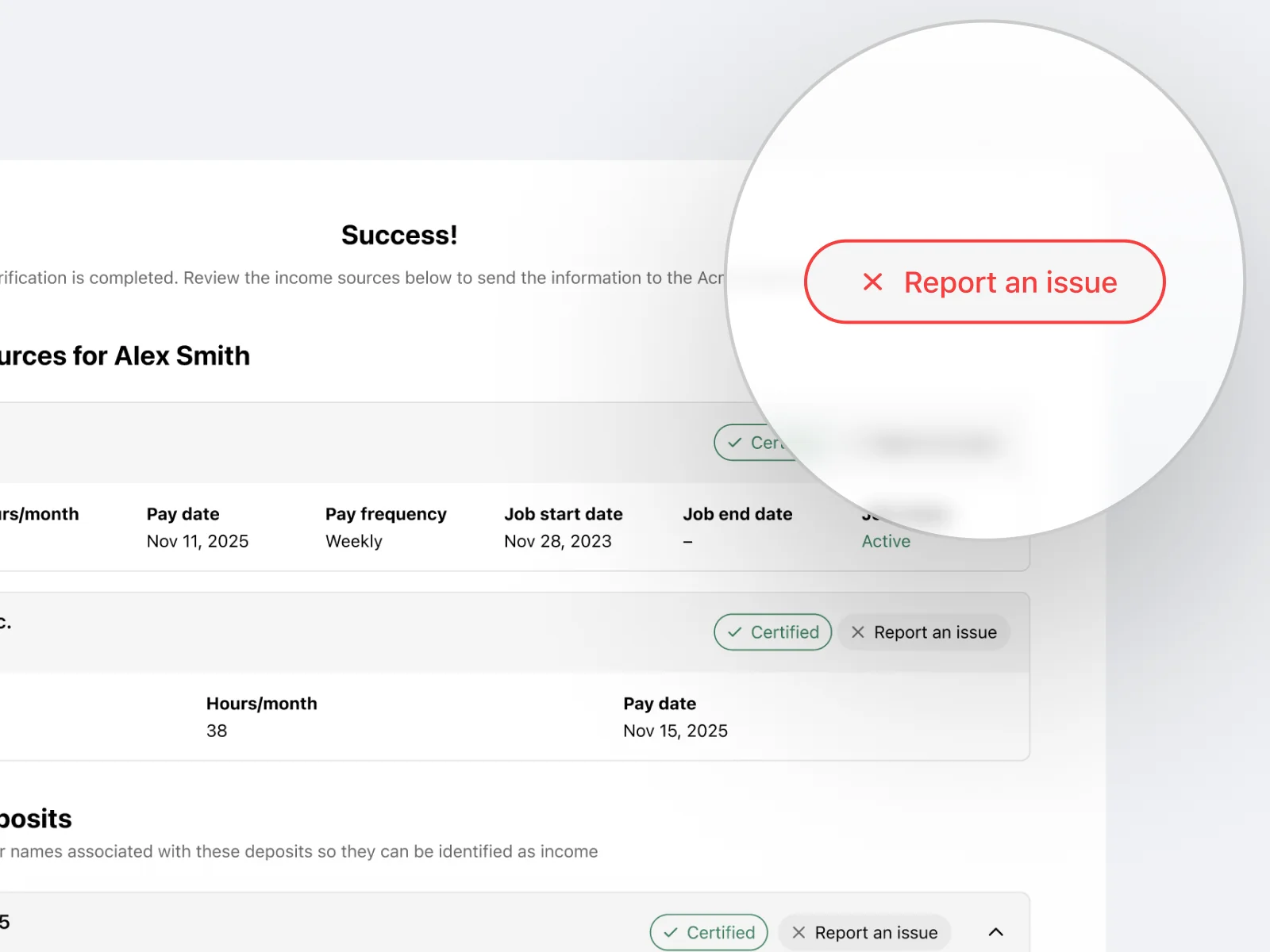
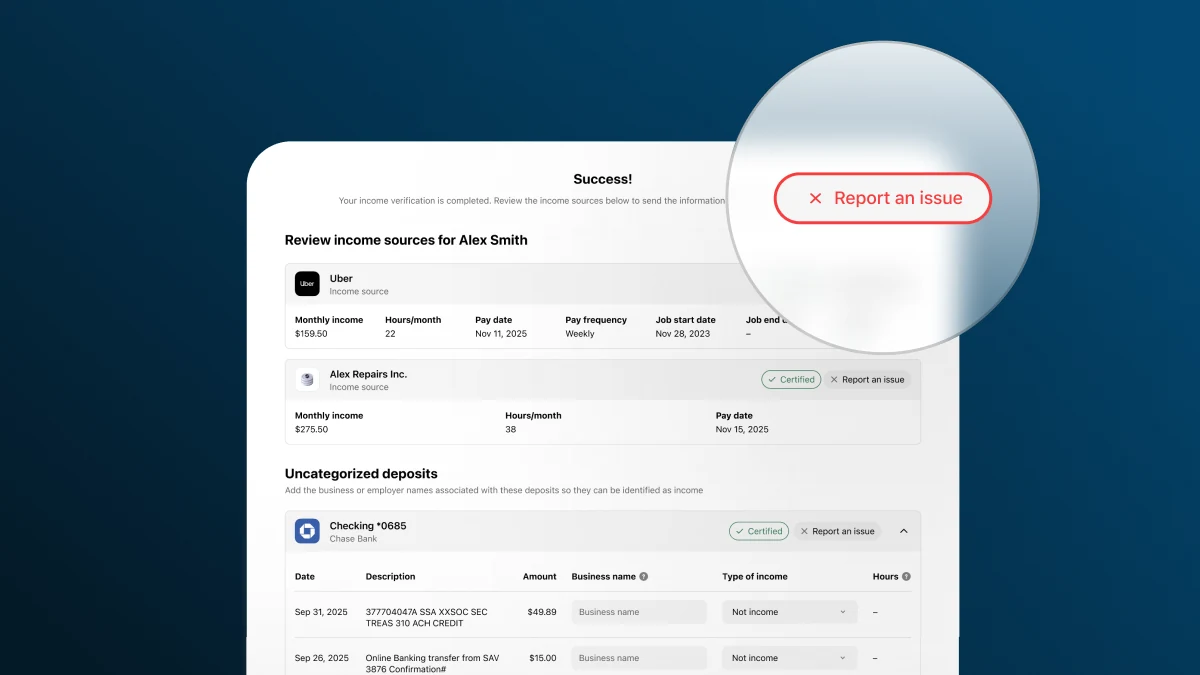
Self-certification
Clients confirm their results, report issues and add income we didn’t find.
-
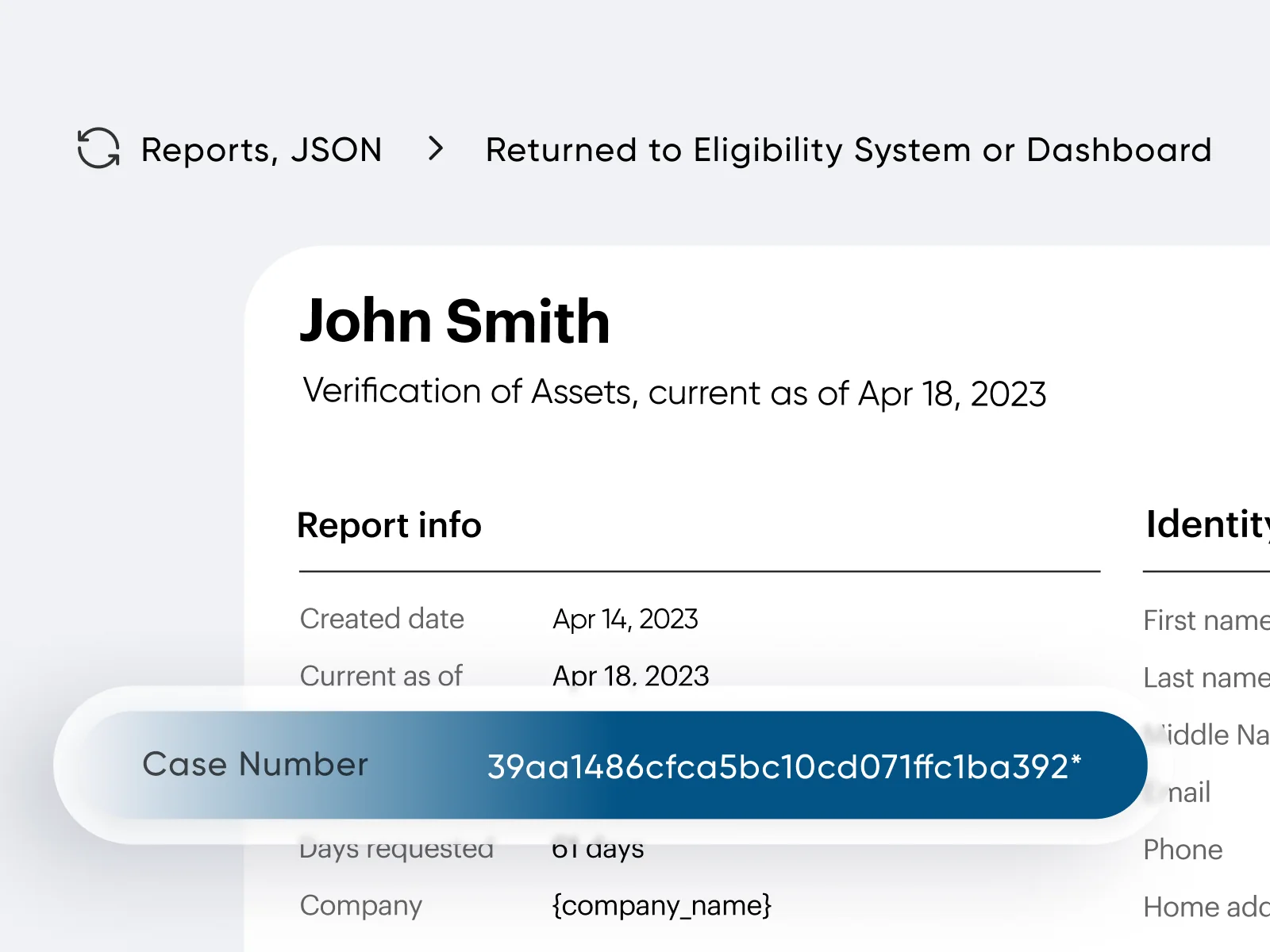
Returned data
Parsed data and the original files return to your system for review.
Trusted by 140,000+ organizations across the US
“During a 3-month side-by-side evaluation of Checkr against our instant database solution, it not only matched the data quality of the database but outperformed it with data on gig economy workers—solving a critical gap in our verifications.”
Jake ParlettSystems Manager, Utah DWS

Georgia Department of Human Services
Document upload FAQs
Answers to common questions about verifying income documents at your agency.
Checkr’s document upload is an AI-powered document processing tool built to help government agencies verify income and employment when direct payroll, employer, or bank connections aren’t available. Clients can upload supporting documents, such as paystubs, W-2s, 1040s, 1099s, and volunteer letters, directly through a guided interface, and Checkr automatically extracts, verifies, and fraud-checks the data in real time.
Document upload is designed to work as part of a broader verification waterfall. When automated payroll, employer, or bank connections are available, Checkr pulls data directly from the source. When they’re not, document upload serves as a built-in, seamless fallback, keeping clients moving through the process without caseworker intervention. It works as a fallback within our broader government verification suite.
Checkr supports verification of the following document types commonly required in government benefit programs:
- Paystubs
- W-2s
- 1040s (optional)
- 1099s (optional)
- Volunteer letters and timesheets
Agencies can configure which document types are required or optional based on their specific program rules.
Checkr’s AI engine achieves a 99.9% fraud detection rate, automatically flagging documents that have been altered, fabricated, or tampered with. Caseworkers receive real-time signals when a document fails authenticity checks, so they can act immediately rather than discovering issues at audit.
Benefit programs are a high-value target for fraud because eligibility is often income-dependent and hard to verify manually at scale. Altered paystubs, fabricated employer letters, and manipulated tax forms are among the most common fraud vectors. Checkr’s automated detection removes the reliance on caseworkers to visually spot these issues, a process that is slow, inconsistent, and error-prone.
Checkr returns both the parsed income and employment data extracted from the document and the original uploaded file, giving your agency a complete, auditable record for each client submission. This supports both real-time decision-making and downstream audit requirements.
Checkr uses Optical Character Recognition (OCR) combined with AI-driven analysis to convert uploaded documents into structured, machine-readable data. This eliminates manual data entry by caseworkers and reduces transcription errors that can affect eligibility determinations.
By capturing complete, verified income data at the point of submission, rather than through back-and-forth document requests, Checkr enables caseworkers to make eligibility decisions on the first contact. Fewer incomplete submissions means faster case processing and less time spent chasing follow-up documents.
Yes. Checkr allows agencies to specify exactly which document types are required and which are optional through Checkr Templates, tailored to the eligibility rules of each benefit program. For example, an agency can require paystubs and volunteer letters while making W-2s and 1099s optional, reducing unnecessary friction for clients.
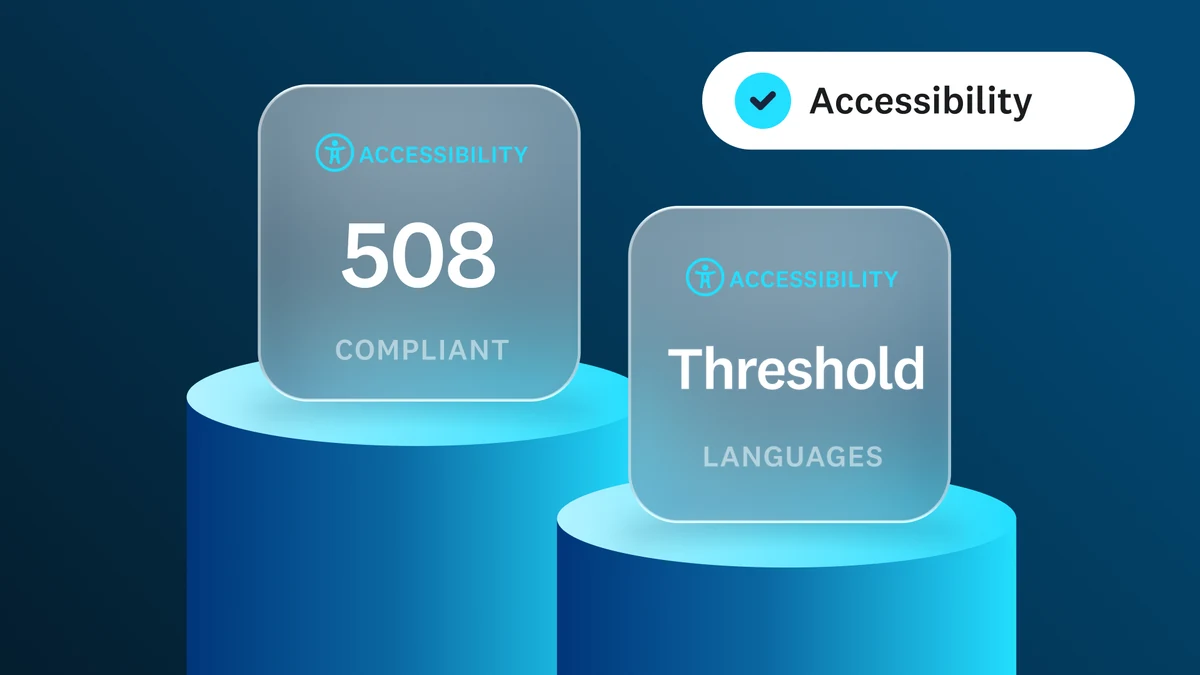
Yes. Agencies can customize the language clients see throughout the document upload flow, ensuring clarity for diverse client populations and reducing submission errors caused by confusion. As a default, Checkr’s built-in auto-detection displays the Checkr experience in the user’s browser language, as set in the device settings.
Yes. Checkr is SOC 2 Type II compliant, 508 compliant, WCAG 2.2 AA certified, and FCRA compliant. We’re a licensed Credit Reporting Agency operating with 99.9% uptime and bank-grade encryption (AES-256 and TLS protocols).
Yes. Checkr’s client-facing experience is built to meet Section 508 accessibility standards, ensuring that clients with disabilities can navigate the verification flow without barriers, including those using screen readers, keyboard navigation, or other assistive technologies.
Yes. Checkr’s verification experience is built to support 19+ languages, ensuring language is not a barrier to completing the verification process or accessing benefits.
Ready to get started?
Create an account today or schedule some time with our team to learn more.
Verifying wage earner income too? Learn more